
Remote Workforce Video Platform
for Operations, Interviews &
Meetings
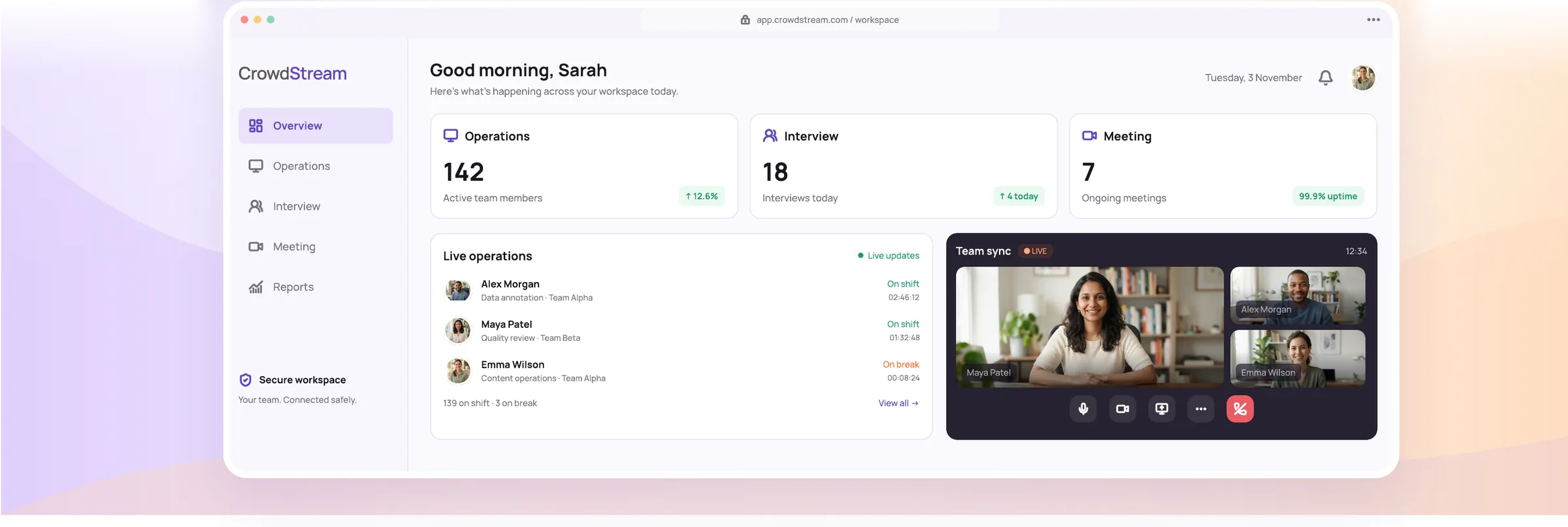
CrowdStream unifies workforce operations, remote hiring, and team collaboration into one browser-based collaboration platform. Simplify shift management, conduct remote interviews, and enable seamless video meetings with screen sharing without installing a dedicated desktop application.

Consent-based streams

No desktop installation required

No audio capture

No keystroke logging

Self-hosted

Single-tenant

Watermarked evidence
Consent-based streams
No desktop installation required
No audio capture
No keystroke logging
Self-hosted
Single-tenant
Watermarked evidence
THREE SOLUTIONS. ONE PRODUCT FAMILY.
Explore CrowdStream Solutions
Choose the right remote workforce platform for your team, seamlessly managing everything from workforce operations and remote hiring to business collaboration.
CROWDSTREAM OPERATIONS
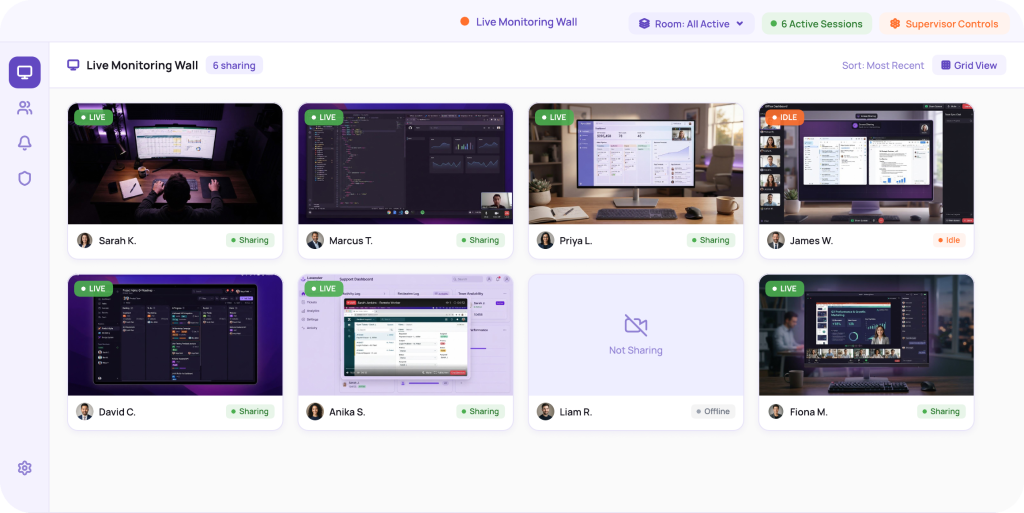
Complete Workforce Visibility & Smarter Remote Operations.
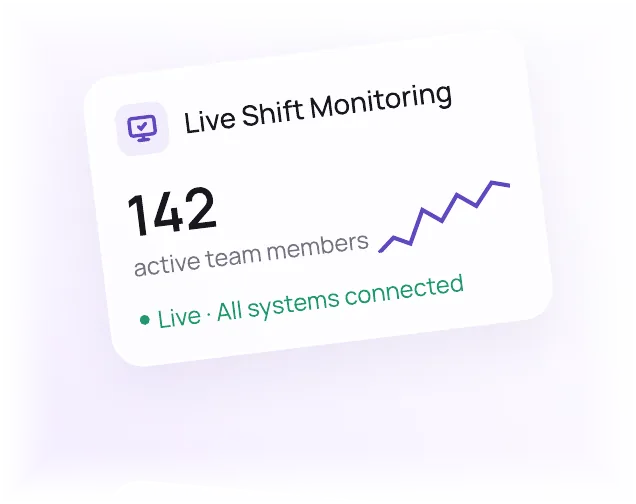
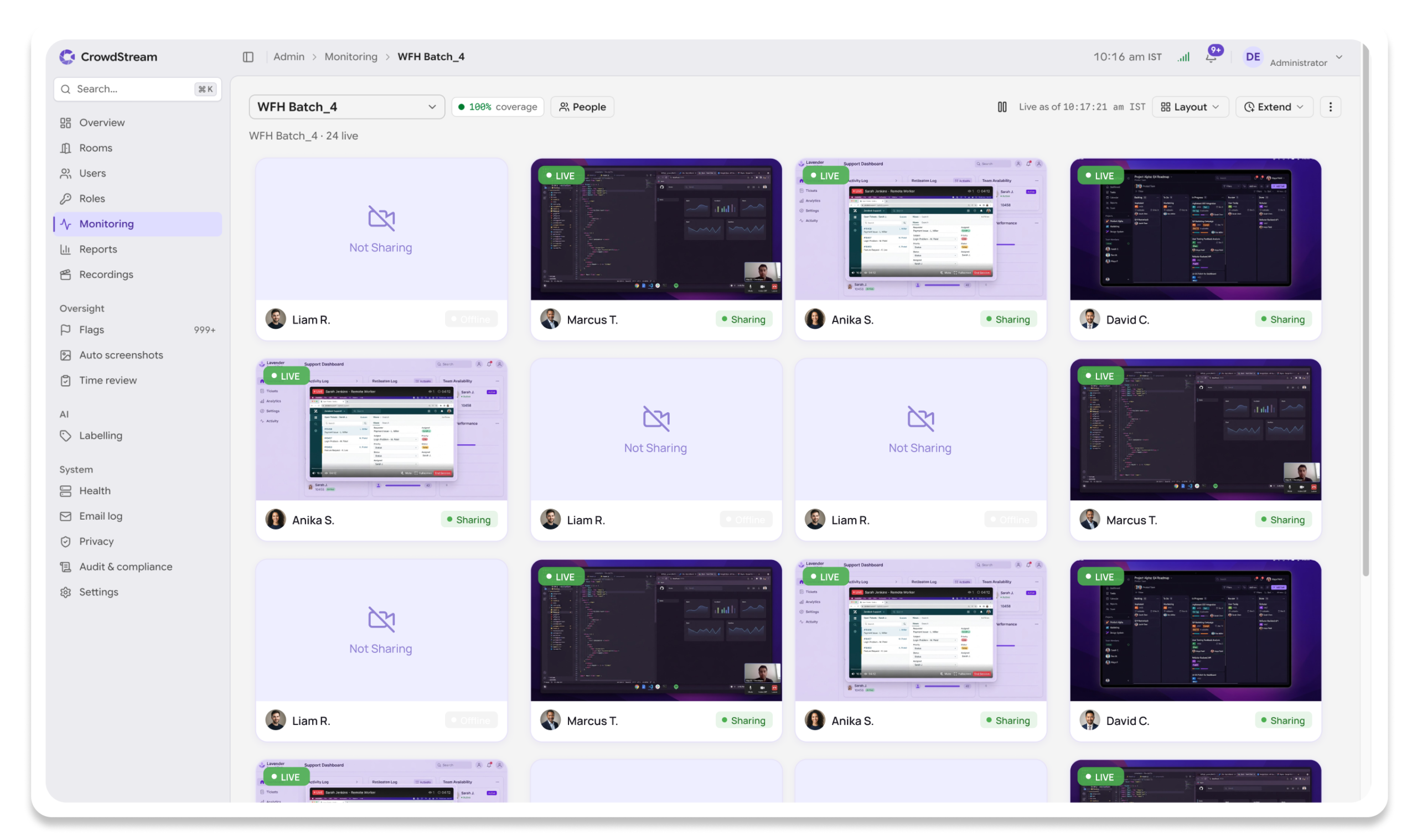
Give operations teams real-time visibility into remote shifts with integrated video, screen sharing, shift and break tracking, and in-room text chat. Streamline workforce monitoring and improve operational oversight through one unified platform.
CROWDSTREAM INTERVIEW
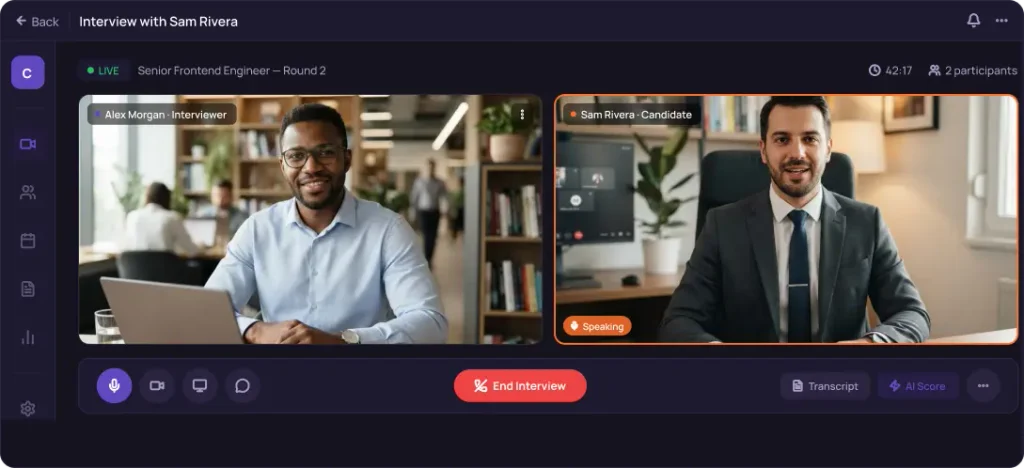
More Structured & Efficient Remote Hiring Process
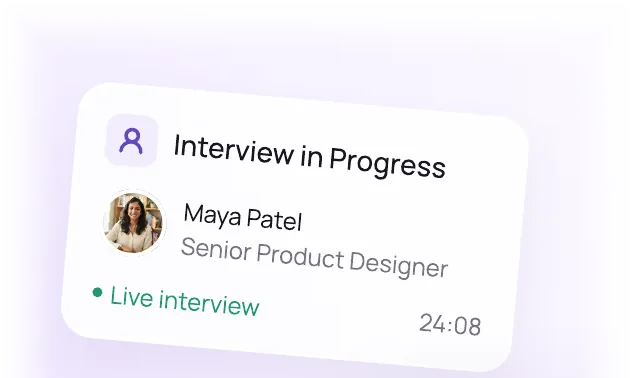
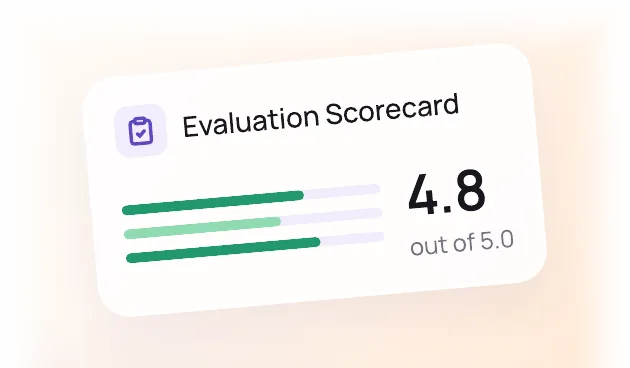
Simplify remote recruitment with browser-based interview rooms, resume parsing, candidate matching, scheduling, recorded sessions, and AI-assisted scorecards. Bring greater structure, consistency, and efficiency to every stage of hiring.
CROWDSTREAM CONNECT
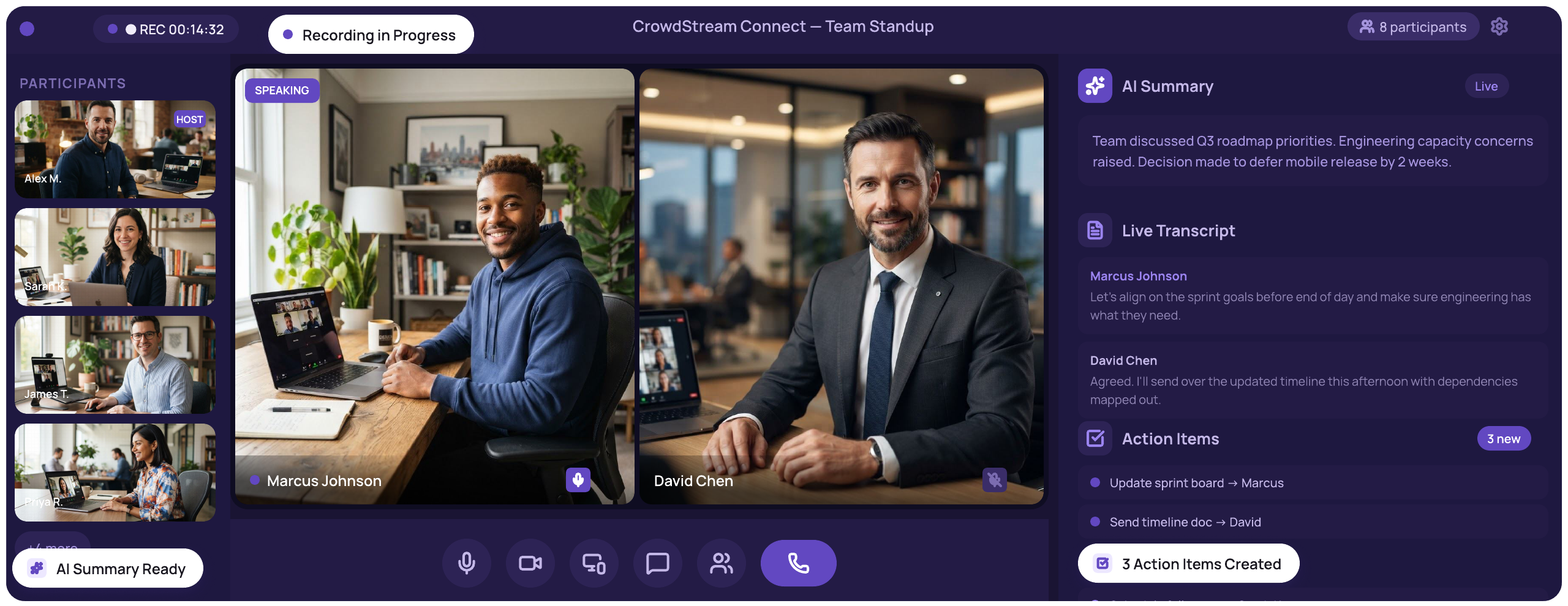
Make Every Work Meeting Meaningful & Productive
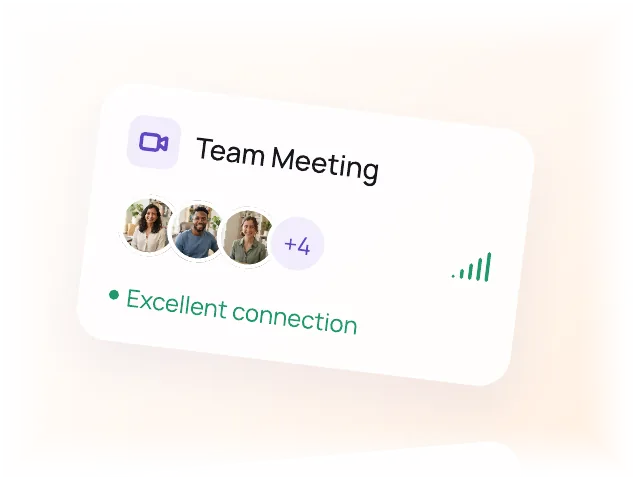
Enable seamless team meetings, information sharing, and collaboration. Review recordings and transcripts, track key decisions, and manage follow-up actions to keep teams aligned and business communication productive.
THE CROWDSTREAM ADVANTAGE
Built Around Your Teams & Designed for Seamless Workflows.
Unify workforce operations, remote interviews, and business meetings under one integrated product family of CrowdStream. The browser-based experience delivers purpose-built capabilities for each workflow, helping teams work efficiently, collaborate seamlessly, and manage business operations with ease.

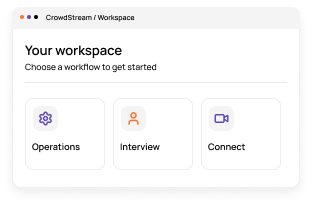
Access Workflows Through Your Browser
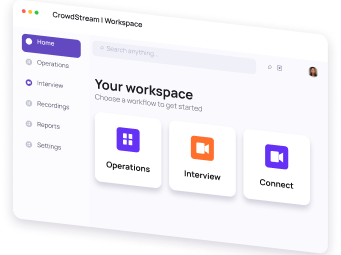
Access supported CrowdStream workflows directly in your browser, without downloading a dedicated desktop application.

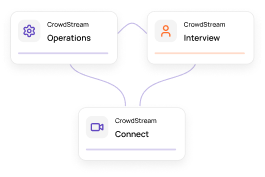
Keep Different Workflows Connected
Connect workforce operations, remote hiring, and business collaboration through well-tailored tools for each team’s needs.

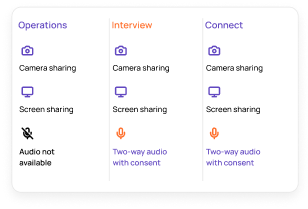
Media Controls for Each Workflow
Operations supports screen and camera sharing without audio; Interview and Connect enable two-way audio with consent.

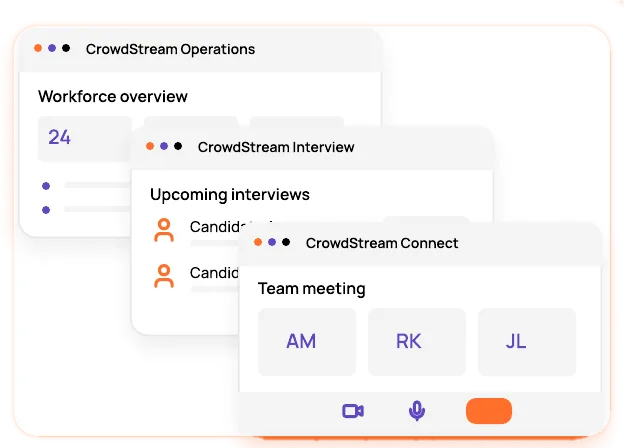
Built Around Different Team Needs
Give operations, hiring, and collaboration teams tailored experiences built around team-specific tasks and workflows.
PLATFORM CAPABILITIES
Tools That Support Your Everyday Workflows
Explore the capabilities that help teams manage remote operations, conduct structured interviews, and collaborate while keeping important meeting information accessible.
01
Browser-Based Access
Joining supported workflows and sharing screens through a browser.
Operations
Interview
Connect
02
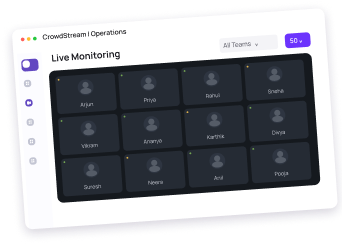
Live Video and Monitoring
Operations’ live monitoring wall supporting up to 50 worker tiles, subject to the actual display and system configuration.
Operations
03
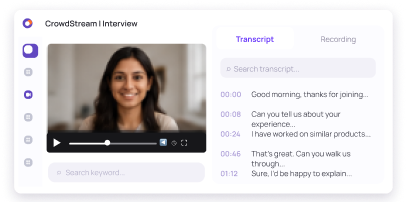
Recordings and Transcripts
Recorded and transcribed sessions in the workflows that support them.
Supporting Workflow
04
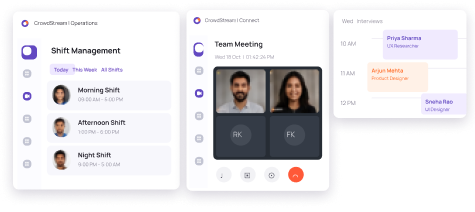
Structured Workflows
Shift management, interview scheduling, and collaborative meeting experiences.
Operations
Interview
Connect
05
AI-Assisted Workflows
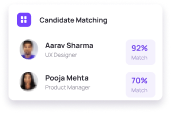
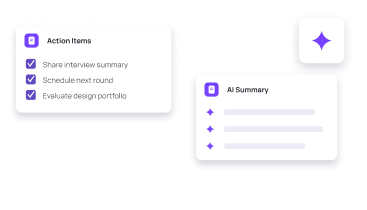
Candidate matching, transcript-linked scorecards, meeting summaries, action items, and optional visual alerts where supported.
HOW IT WORKS
How CrowdStream Works
Choose a workflow, access your room, and complete your task on one remote workforce video platform.
01
Choose Your Workflow
Select Operations, Interview, or Connect.
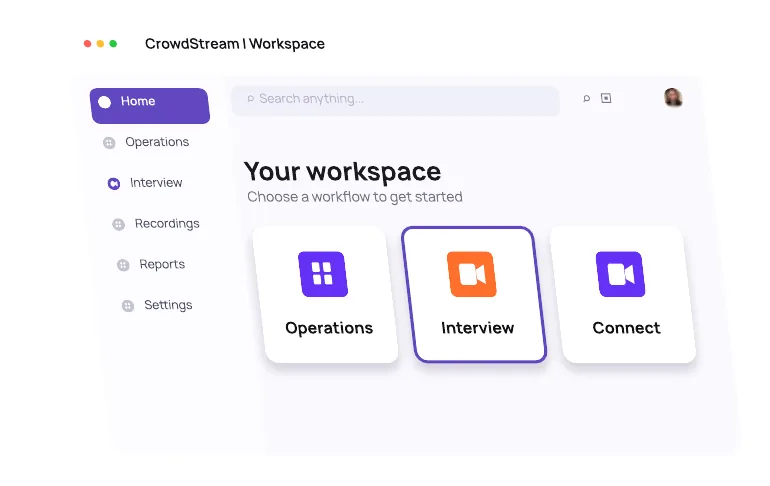

Interview selected
02
Access Your Room
Open the appropriate room through the supported secure link or scheduling process.
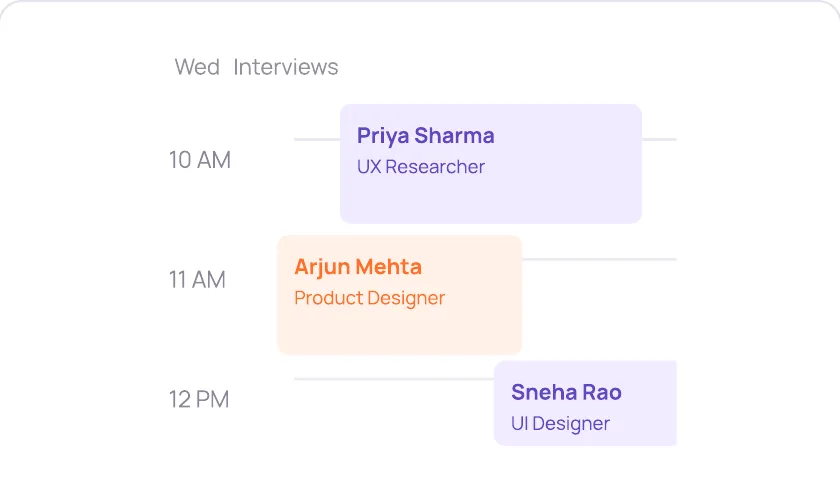
Scheduled interview
03
Complete Your Task
Manage a shift, conduct an interview, or collaborate with your team using the available workflow features.
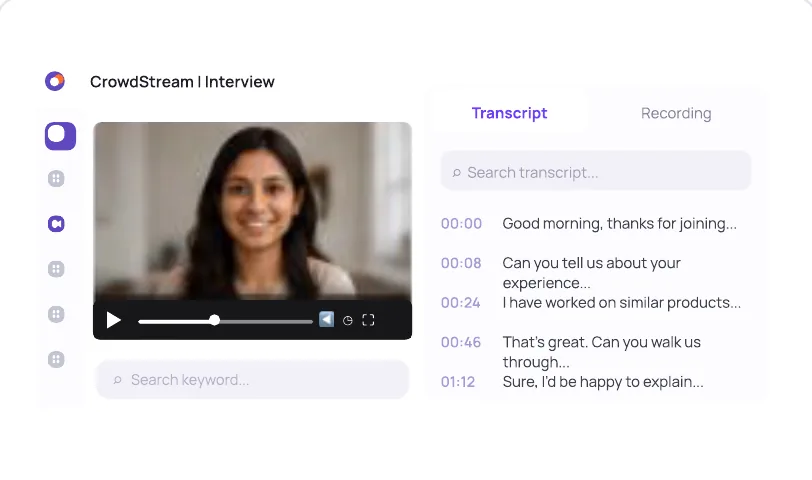
Interview complete
BUILT THROUGH REAL OPERATIONAL EXPERIENCE
Proven In a Real Operational Environment
CrowdStream is used internally at Obraz to monitor approximately 200 annotation workers daily. This internal production experience reflects the use of this remote workforce video platform in real operational workflows

200
Annotation workers monitored daily at Obraz
Internal production use at Obraz
PRIVACY & TRANSPARENCY
Privacy-First Video Platform With Clear Boundaries
CrowdStream supports transparent, consent-based workforce visibility while keeping monitoring within clearly defined boundaries.
What CrowdStream supports
- Select Operations, Interview, or Connect.
- Visible browser sharing indicators.
- Workflow-specific camera and audio permissions.
- Access to shared content during the applicable session.
What the described monitoring approach does not do
- Read clipboard contents in the background.
- Keylog keystrokes.
- Scrape background files.
- Collect browser history through a desktop monitoring agent.
- Secretly capture content from screens that have not been shared
SIMPLE, FLEXIBLE PRICING
Choose the CrowdStream Plan
That Fits Your Team
Choose an individual platform for your team’s needs or combine multiple CrowdStream solutions as your organisation grows. Find the right plan for your team with flexible subscription options.
Operations
CrowdStream Operations Suite
$8.99
/ user / month
₹499 / user / month · Annual billing
For Operations leaders and workforce teams.
What’s included:
- Live monitoring wall for up to 50 team members.
- Timestamped shift and break tracking.
- Room and one-to-one text chat.
- Browser-based camera and screen sharing.
INTERVIEW
CrowdStream Interview Suite
$7.99
/ user / month
₹499 / user / month · Annual billing
For HR and Talent acquisition teams.
What’s included:
- Browser-based candidate access.
- Resume parsing and AI-assisted candidate matching.
- Interview recording and transcription.
- AI-assisted scorecards linked to transcript evidence.
Connect
CrowdStream Connect Suite
$9.99
/ user / month
₹499 / user / month · Annual billing
For Teams, support, QA, and sales.
What’s included:
- Browser-based video meetings and audio.
- Meeting recording, transcription, and summaries.
- Searchable meeting history.
- AI-extracted decisions and action items.
Need More Than One Platform?
Combine multiple CrowdStream platforms or create a custom configuration that fits your organisation’s needs.
DEPLOYMENT & SECURITY
A Secure Video Platform for Business, Under Your Control
Enterprise deployment and administration built around your organisation’s needs.
01
Dedicated Deployment
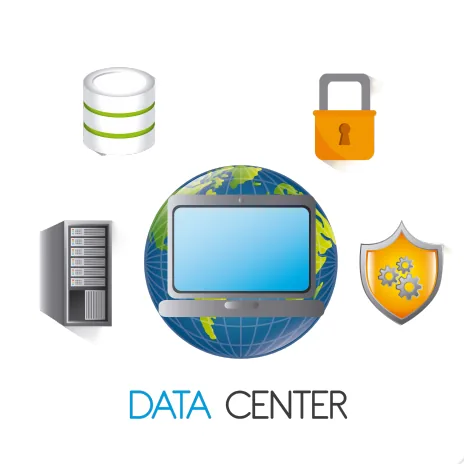
Enterprise plans for 1,000+ users offer a dedicated, single-tenant environment, keeping customer data separate from other customers’ data.

02
Regional Data Residency
Customers choose where their data is stored to meet regional data-control requirements, including teams with European data-control expectations.
03
Role-Based Access Control
Enterprise plans run on a dedicated, single-tenant environment, so each customer’s data stays separate from other customers’ data.
04
Audit and Retention
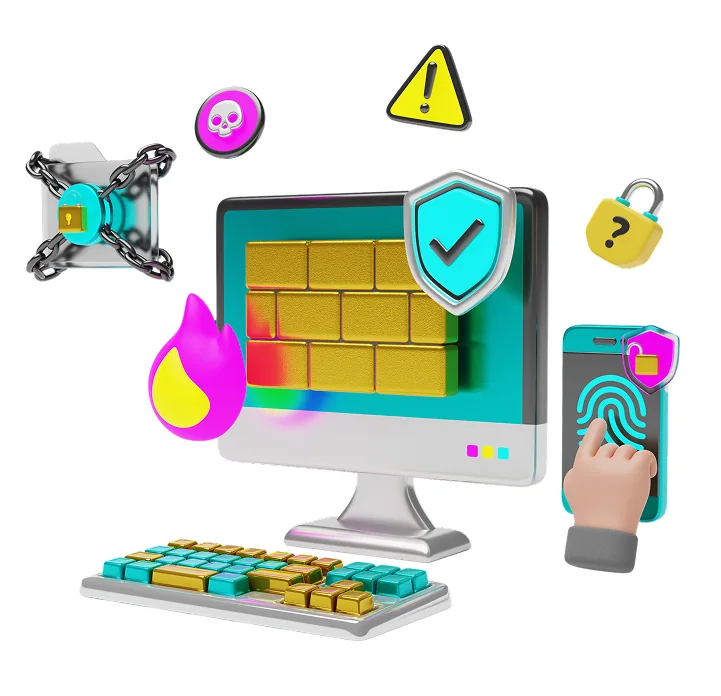
Maintain a tamper-evident audit trail and consent ledger, with configurable retention for recordings.

FAQ
Frequently Asked Questions
About CrowdStream
Find answers to common questions about CrowdStream, its workflows, security, and getting started.
What is CrowdStream?
CrowdStream is a browser-based collaboration platform for remote workforce operations, remote interviews, and business meetings. It is a family of three products: CrowdStream Operations, CrowdStream Interview, and CrowdStream Connect.
Does CrowdStream require a desktop application download?
No. CrowdStream workflows run in a web browser, so teams can join supported workflows and share screens without installing a dedicated desktop application.
How does CrowdStream support remote workforce operations?
CrowdStream Operations gives operations teams a live monitoring wall for up to 50 team members, with timestamped shift and break tracking, room and one-to-one text chat, and browser-based camera and screen sharing.
Does CrowdStream record audio in every workflow?
No. Audio varies by workflow. Operations uses screen and camera sharing without audio, while Interview and Connect support two-way audio with explicit consent.
How does CrowdStream support remote interviews?
CrowdStream Interview provides browser-based interview rooms with resume parsing, AI-assisted candidate matching, scheduling, interview recording and transcription, and AI-assisted scorecards linked to transcript evidence.
How does CrowdStream approach privacy?
As a privacy-first video platform, CrowdStream supports transparent, consent-based visibility. It shows visible browser sharing indicators and uses workflow-specific camera and audio permissions. It does not read clipboard contents, log keystrokes, scrape background files or collect browser history through a desktop monitoring agent.
Can teams search meeting recordings and transcripts?
Yes. CrowdStream Connect offers meeting recording, transcription and summaries, plus searchable meeting history and AI-extracted decisions and action items.
READY TO GET STARTED?
Find the Right CrowdStream
Solution for Your Team
Choose the solution that fits your team’s operations, recruitment, and collaboration needs.